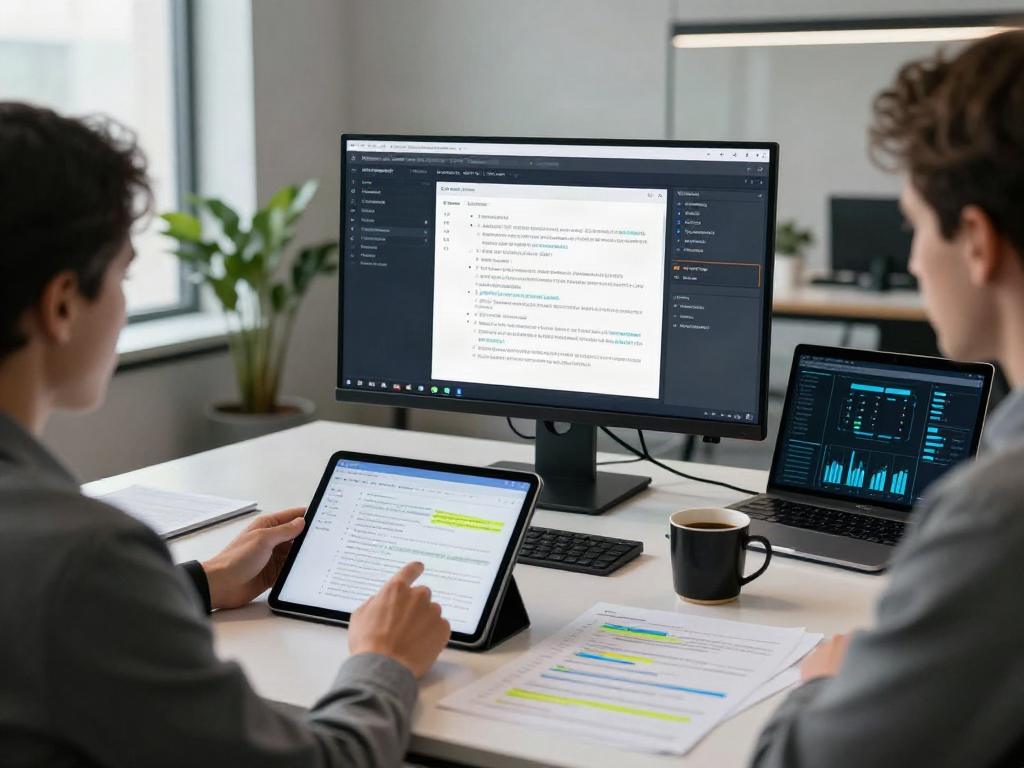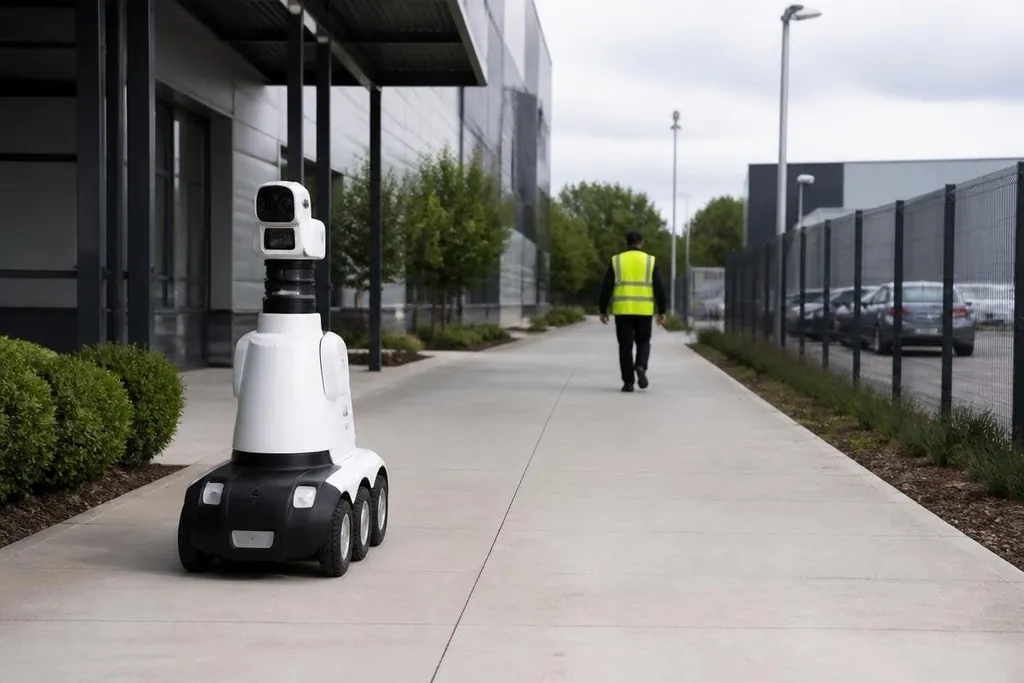
A security robot can move through a site, send video to an operator, and flag events that need a human check. That can reduce routine patrol work, but it also puts cameras, software, and safety decisions in the same system.
This matters to a site manager deciding where automation fits. The useful question is not whether a robot looks advanced. It is whether the robot can detect the right event, handle the site safely, and give staff enough information to act.
Quick read
- Robots can patrol set routes and send alerts when sensors detect an unusual event.
- Poor lighting, blocked paths, stairs, weather, and people can reduce performance.
- A clear human review process matters as much as the robot’s sensors.
Where security robots help
A ground robot can repeat a route through a warehouse, campus, car park, or fenced site.
Cameras can record video, while microphones, thermal sensors, or other tools may add information that a standard camera misses. The exact sensor set depends on the robot and the site.
That repeated work can free security staff to handle tasks that need judgment. An operator may review an alert, speak through the robot, call emergency services, or send a person to inspect the area. The robot handles movement and observation; people decide what the event means.
The patrol unit can also reach places that staff may prefer to check from a distance. A thermal sensor may show a warm object in a dark area, while a camera can help an operator inspect a gate without walking there first. These tools support a check. They do not prove that a crime or hazard has occurred.
A patrol robot’s sensor list doesn’t tell you where it was tested or who checked the result. Robot24.com robotics coverage can add those details before the article turns to false alerts.
The risks start with false alerts
False alerts can come from a plastic sheet, a shadow, an animal, or a worker carrying equipment. Each one takes time to review. Too many alerts can lead staff to ignore the system, which removes much of its value.
The reverse problem is more serious. A blocked camera, poor lighting, network loss, or a path outside the robot’s map can prevent the system from seeing an event. The system should report when its view or movement is limited, rather than presenting an incomplete check as a normal patrol.
Movement adds another risk. A robot sharing space with workers needs safe speeds, clear stopping rules, and a way for people to stop it. Stairs, lifts, wet floors, loose cables, and crowded routes all need testing before regular patrols begin.
Security data creates a separate set of questions. Video, audio, location records, and alert logs may contain information about workers, visitors, and nearby homes. The site owner needs rules for access, storage time, deletion, and lawful use before the first patrol starts.
What the robot cannot decide
A security robot can detect a shape or sound. It cannot reliably decide why a person is there or what should happen next. That difference matters when an alert could lead to a search, an accusation, or contact with police.
The operator needs the source of each alert, the time it occurred, the camera view, and the robot’s location. They also need a way to mark an alert as a false alarm and explain the decision. Those records help the team find weak spots in the route and sensor setup.
A remote operator also needs training. They must know when to move the robot, when to stop it, and when to send a person. If the system loses its network connection, the response should be clear before deployment rather than invented during an incident.
A practical buying checklist
Use these checks before approving a security robot for regular patrols:
- Map the site: mark stairs, narrow doors, wet areas, lifts, blind spots, and routes shared with workers.
- Test the sensors: check the robot in daylight, darkness, glare, rain, dust, and normal site noise where those conditions apply.
- Set human review: name who receives alerts, who can speak through the robot, and who can send staff to inspect.
- Protect the records: define access rights, storage periods, deletion rules, and the handling of video or audio.
- Plan failure cases: write down what happens after a network drop, blocked route, low battery, sensor fault, or collision.
- Measure useful work: count reviewed alerts, false alarms, missed checks, stopped patrols, and staff time spent responding.
Start with one route
A short pilot on one known route gives the site team a way to test alerts, movement, data handling, and staff response together. It also exposes limits that a product demonstration may leave out.
I'd skip a security robot if the buyer cannot name the person who reviews its alerts and the action that follows each one. The machine can patrol, but the site still needs a human decision at the end of the signal.